
Stockity Demo Account – Free Practice Trading
The Stockity demo account is a fully functional practice environment that gives you immediate access to real-time market data, advanced charting tools, and a wide range of tradeable assets – all without putting a single dollar at risk. Whether you are just getting started with online trading or looking to test a new strategy before going live, the demo mode is the safest and most effective way to do it. This page covers everything you need to know: how to open the account, what tools are available, how to switch to live trading, and how to get the most from your practice sessions.
This guide is written for beginner and intermediate traders who want a clear, honest overview of what the Stockity demo offers – and what to realistically expect when transitioning to a real account.
Trade on Stockity with bonus

Trade on Stockity online with bonus and explore a modern platform for digital options trading with fast execution, flexible strategies and convenient tools for beginners and experienced traders.
What Is the Stockity Demo Account and Why Use It
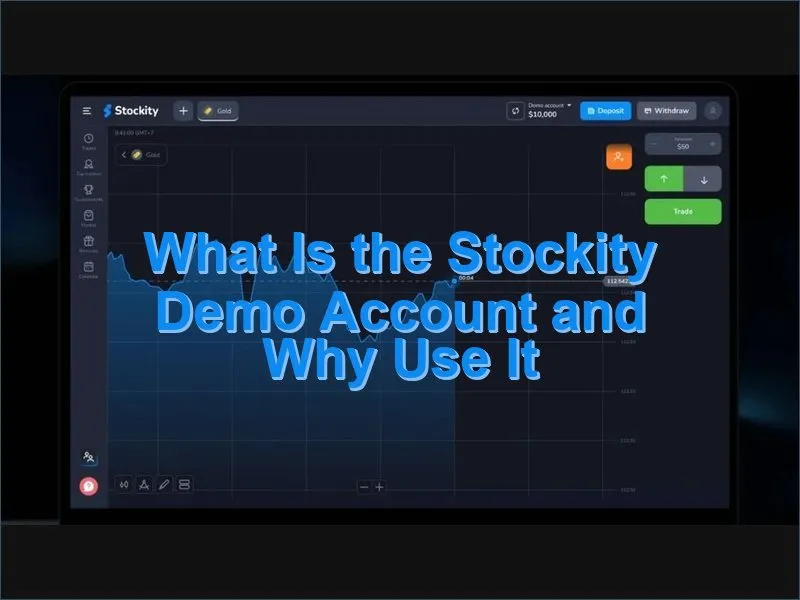
The Stockity demo account is a simulated trading environment funded with $10,000 in virtual money. It replicates the full live trading experience – same interface, same assets, same charting tools – but with no financial exposure whatsoever. You cannot lose real funds, and you do not need to provide payment details to access it.
What makes a demo account genuinely useful is not just the absence of risk – it is the presence of real market conditions. Stockity feeds live price data into the demo terminal, which means the charts, order execution, and asset behavior you observe are authentic. This is an important distinction: practicing on artificially smoothed or delayed data trains habits that do not transfer well to live markets.
Key reasons to start with the demo account before trading real funds:
- Learn the platform layout without the pressure of losing money
- Understand how different assets move across various timeframes
- Test entry and exit criteria for a strategy before committing capital
- Identify and correct behavioral weaknesses such as overtrading or chasing losses
- Evaluate whether trading – and this platform specifically – suits your goals
Even traders with prior experience on other platforms benefit from spending time in demo mode when switching to Stockity. Interface differences, available assets, and expiry mechanics all have a learning curve worth addressing before real money is involved.
Demo Account vs. Real Account: What Actually Differs
The demo and real accounts share the same platform infrastructure, but several meaningful differences exist beyond the obvious one of virtual versus real funds.
| Feature | Demo Account | Real Account |
|---|---|---|
| Starting Balance | $10,000 in virtual funds | Real deposit from $10 minimum |
| Financial Risk | None | Full market exposure |
| Available Assets | 32 instruments (Free tier) | Up to 70+ depending on account level |
| Bonuses | Not available | Available from first deposit |
| Withdrawals | Not available | Available after verification |
| Balance Reset | Yes – can be reset if depleted | Requires a new deposit |
| Identity Verification | Not required | Required before first withdrawal |
| Trading Psychology | Low emotional pressure | Real psychological stakes |
The psychology gap deserves extra attention. Without real money on the line, most traders take positions they would never accept in a live environment – larger stakes, less analysis, quicker decisions after a loss. This is a natural human response, not a character flaw, but it means demo results are rarely predictive of live performance. The best way to close this gap is to treat the demo as if it were real: apply position sizing rules, keep a trading log, and stick to your strategy regardless of the virtual outcome.
Already have an account? Log in to Stockity and switch to demo mode directly from the platform dashboard.
How to Open a Stockity Demo Account: Step-by-Step
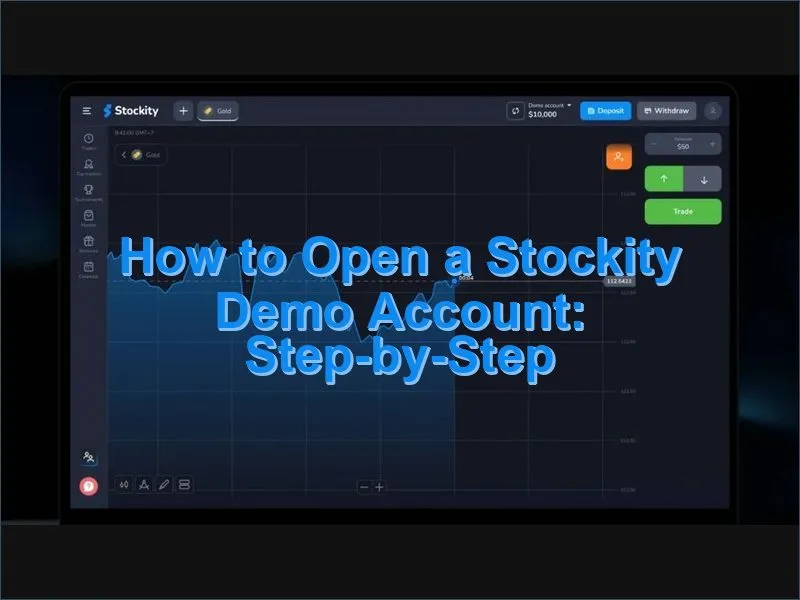
Getting access to the demo requires only a few minutes and no payment information. Here is the full process:
- Go to the official Stockity website or open the mobile app on your device
- Click the Register or Create Account button on the homepage
- Enter your email address and create a secure password (minimum 8 characters, including at least one digit)
- Select your preferred account currency during setup
- Confirm your email address by clicking the verification link sent to your inbox
- Log in – your demo account with $10,000 in virtual funds is activated immediately
No documents are required at this stage. Identity verification only becomes necessary when you decide to make a real deposit and request a withdrawal. The demo account is available straight after email confirmation, with no waiting period.
Registration via Social Login
If you prefer not to create a password, Stockity also supports registration through Google and Facebook. Select your preferred method on the sign-up page, grant the required permissions, and your account is created automatically. Social login links your existing credentials to the platform, making future sign-ins faster and removing the need to manage a separate password. All social login options provide the same full demo access as standard email registration.
Navigating the Platform: Desktop and Mobile
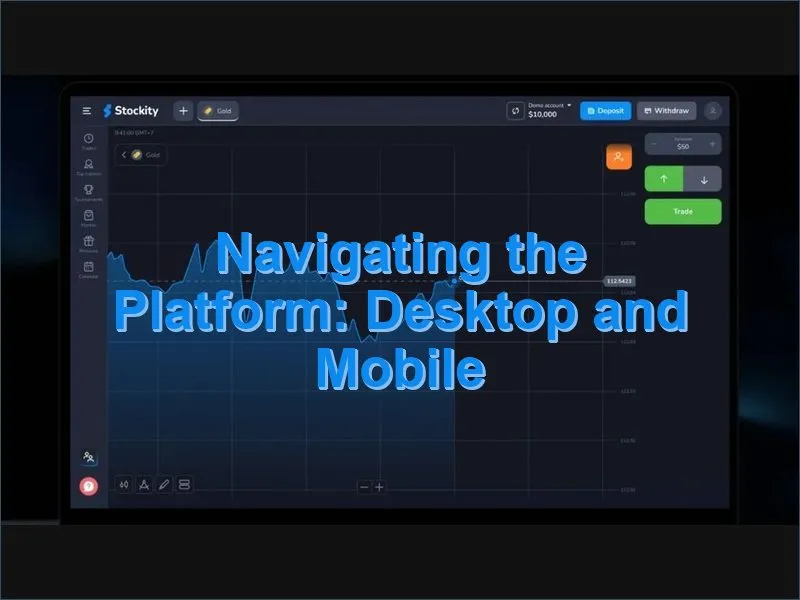
The Stockity interface is designed around a central chart view with supporting panels on either side. Understanding the layout in demo mode before going live saves time and prevents costly navigation errors under real market conditions.
Desktop and Web Layout
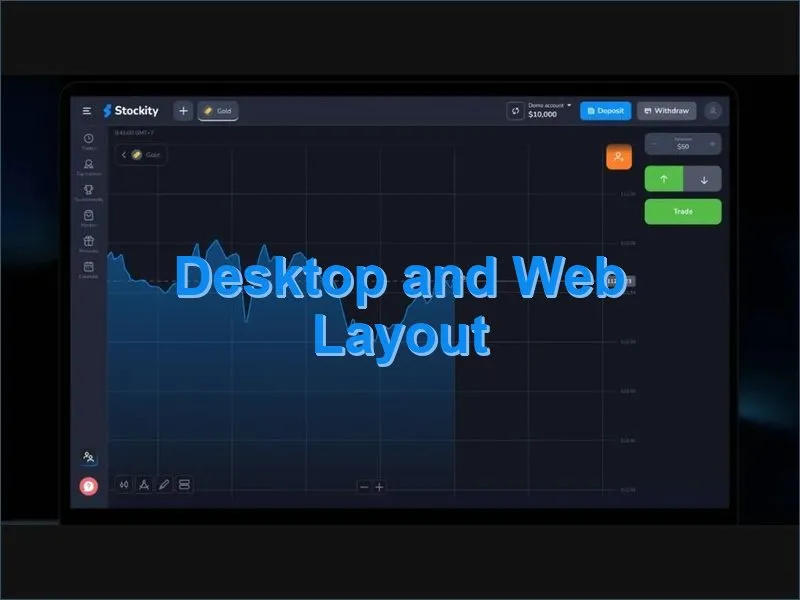
On the web version, the asset list appears on the left, the main chart occupies the center, and open trades plus history are displayed on the right. Order placement controls sit below the chart, where you select trade size and direction (Higher or Lower). The timeframe selector and indicator toolbar are positioned above the chart area.
To switch between demo and real accounts on desktop, click your balance indicator in the top-right corner. A dropdown menu appears with account selection options. The switch is instant and requires no logout.
Mobile App: iOS and Android
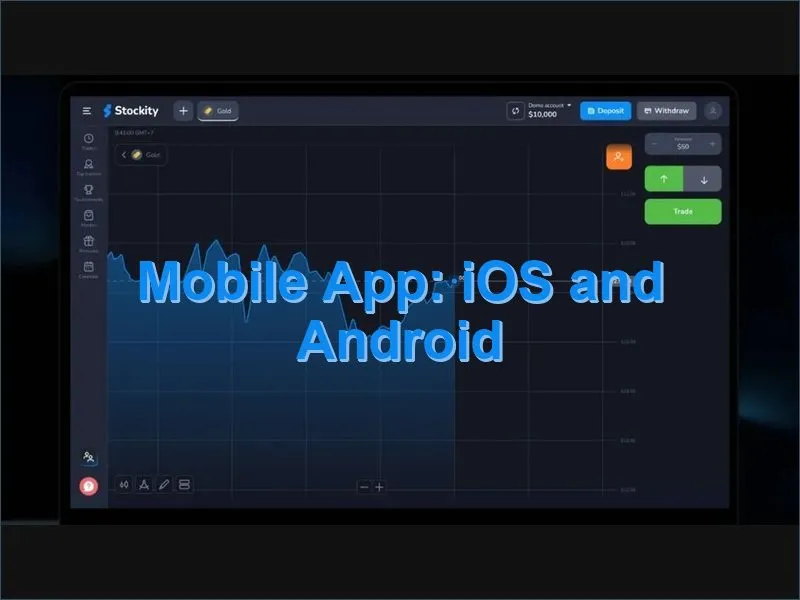
The mobile app is available for both iOS (App Store) and Android (Google Play). The layout adapts to smaller screens with a tabbed navigation structure: Trade, Portfolio, History, and Profile. To switch between demo and real modes on mobile, tap the balance displayed at the top of the screen and select the account type from the menu that appears.
The iOS app supports biometric login via Face ID and Touch ID. The Android version offers customizable alerts and notifications to keep you informed of price movements even when the app is in the background.
Want to install the app? Visit the Stockity download page for direct links to both app stores.
Trading Tools Available in Demo Mode
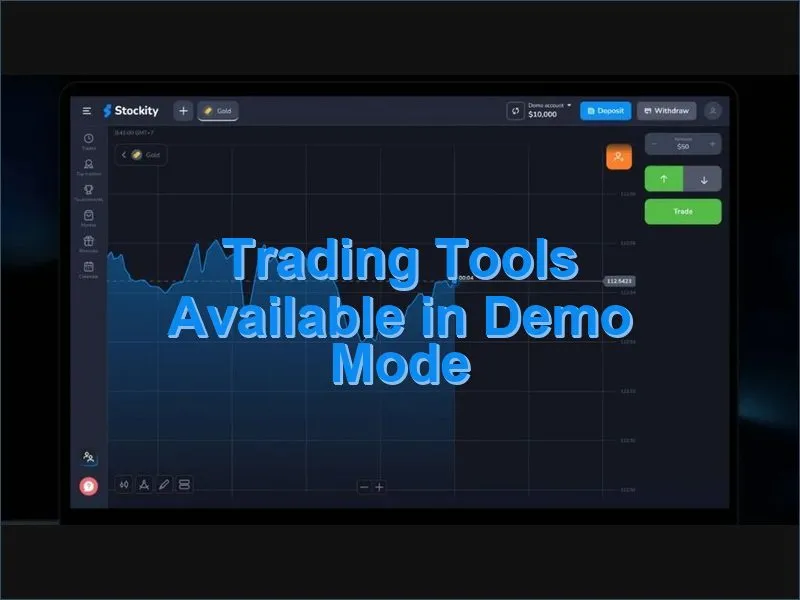
One of the most important qualities of the Stockity demo is that it provides unrestricted access to the full analytical toolkit. None of the professional tools are locked behind a paywall or reserved for live accounts. Everything you see in demo mode is exactly what you will use when trading real funds.
Technical Indicators
The platform includes approximately 30 analytical indicators covering all major categories of technical analysis:
- Trend-following: Moving Average (SMA, EMA, WMA), Ichimoku Cloud, Parabolic SAR
- Momentum: RSI, Stochastic Oscillator, MACD, Williams %R
- Volatility: Bollinger Bands, ATR
- Volume-based: On-Balance Volume (OBV), Volume indicator
- Fibonacci tools: Retracement levels, extension tools
Custom indicator settings are saved between sessions, so you do not need to reconfigure your analysis setup each time you log in.
Chart Types and Timeframes
Stockity supports four chart visualization styles: candlestick, line, bar (OHLC), and mountain. Candlestick charts are the most widely used format for pattern recognition and are recommended for most trading strategies.
Available timeframes span from ultra-short intervals (1 second, 5 seconds, 15 seconds, 30 seconds) through standard short-term frames (1 minute, 5 minutes, 15 minutes, 30 minutes) up to 1-hour candles. This range accommodates everything from very fast scalping approaches to more deliberate session-based trading.
Assets Available in the Stockity Demo
The Free tier demo account provides access to 32 instruments, covering all major market categories. This is sufficient for thorough strategy testing and platform familiarization. Higher account tiers expand this to 48 (Standard), 61 (Gold), and up to 75 (VIP) instruments when you move to live trading.
Assets available in demo mode include:
- Forex: Major pairs (EUR/USD, GBP/USD, USD/JPY, AUD/USD), minor pairs (EUR/GBP, GBP/JPY), and select exotic pairs
- Commodities: Gold (XAU/USD), Silver (XAG/USD), Crude Oil (WTI), Natural Gas
- Stock Indices: S&P 500, NASDAQ, Dow Jones, DAX, FTSE 100, Nikkei 225
- Cryptocurrencies: Available from Standard tier (Bitcoin, Ethereum)
Trade expiry times range from 5 seconds to 60 minutes, and the minimum trade size in demo mode is $1 – the same as on the live platform. Payout rates mirror live conditions and typically fall between 80% and 95% depending on the asset and market environment.
Developing and Testing a Trading Strategy in Demo Mode
The demo account is most valuable when used with a structured methodology rather than random experimentation. Traders who approach demo trading with clear objectives and disciplined record-keeping are significantly more prepared for the shift to live markets.
A practical framework for strategy development in demo mode:
- Define your setup: Choose a specific asset, timeframe, and entry signal to focus on. Avoid testing multiple strategies simultaneously, as mixed results are difficult to interpret.
- Set position sizing rules: Apply a consistent risk rule – for example, never risking more than 1–2% of the virtual balance on any single trade.
- Record every trade: Note the asset, entry time, direction, stake, and result. Even a basic spreadsheet or notebook creates a data set you can analyze.
- Review after 50–100 trades: A meaningful sample size is needed before drawing conclusions about strategy performance. Fewer trades can produce misleading results.
- Identify weaknesses honestly: Look for patterns in losing trades – are they concentrated on a specific asset, time of day, or market condition?
Key Performance Metrics to Track
| Metric | How to Calculate | What It Reveals |
|---|---|---|
| Win Rate | Winning trades ÷ total trades × 100 | How often the strategy produces correct signals |
| Average Payout per Win | Total profit ÷ number of winning trades | Typical size of profitable outcomes |
| Average Loss per Trade | Total losses ÷ number of losing trades | Typical cost of incorrect signals |
| Profit Factor | Gross profit ÷ gross losses | Overall strategy viability (above 1.5 is considered healthy) |
| Maximum Drawdown | Largest balance drop from peak | Worst-case capital exposure during the test period |
The Stockity platform includes a statistics panel within the demo environment that tracks win rate, average profit and loss, and profit factor automatically. For deeper analysis, exporting your trade history and reviewing it in a spreadsheet gives additional clarity on performance trends over time.
From Demo to Live Trading: When and How to Make the Switch
There is no fixed timeline for transitioning from demo to live trading – the decision should be based on measurable readiness rather than a set number of hours. Consider moving to a real account when the following conditions are met:
- You have completed at least 100 demo trades using a consistent strategy
- Your results show a positive profit factor over that sample
- You understand the platform tools and can navigate without hesitation
- You have documented and applied a risk management rule throughout your demo period
- You are psychologically prepared for the difference in emotional stakes
To activate a real account, log in to Stockity, go to account settings, and select the option to upgrade to a live account. The minimum deposit is $10. Payment methods include bank card, cryptocurrency (Bitcoin, Ethereum, USDT), and other supported options listed on the payment methods page.
Live accounts are structured in four tiers:
- Free (Demo): 32 assets, no bonus
- Standard ($10+): 48 assets, 100% deposit bonus
- Gold ($500+): 61 assets, 150% deposit bonus, priority withdrawals in 24 hours
- VIP ($1,000+): 75 assets, 200% deposit bonus, VIP withdrawals in 4 hours
Note: Bonuses are subject to trading volume requirements before they can be withdrawn (typically 35× the bonus amount). Review the full bonus terms on the Stockity bonus page before making a deposit decision based on a promotional offer.
For a broader overview of the platform and its features, visit the Stockity homepage. To read verified user feedback, check the Stockity review section.
Practical Tips for Getting the Most Out of Demo Trading
Demo trading has a known pitfall: it is easy to approach it casually because there are no real consequences. Traders who use the demo as a serious preparation tool – rather than a playground – consistently report smoother transitions to live accounts. A few practical habits worth building during your demo period:
- Trade during the same market hours you plan to use in live mode. Market behavior at 8:00 AM London open differs significantly from midday or pre-close sessions.
- Do not reset your balance until you have thoroughly analyzed why it was depleted. The loss patterns contain information that a reset erases.
- Limit the number of assets you trade simultaneously. Specializing in 2–3 instruments builds deeper familiarity with their typical behavior.
- After a series of demo losses, pause and review before continuing. This habit is valuable in live trading and costs nothing to practice now.
- Use the educational resources available within the platform – tutorials and strategy guides – in parallel with your demo sessions, not as a replacement for them.
Support is available for both demo and live account users. The response time for demo account queries is typically up to 72 hours; live account support is prioritized at 24 hours. For technical questions about platform features or indicators, the support team can be reached through the in-platform contact options.
*Risk Warning: Online trading involves significant financial risk, including the possible loss of all invested capital. Practice trading in demo mode does not guarantee equivalent results in live trading. Binary options trading carries high risk. Always evaluate your financial situation carefully and consider seeking independent financial advice before depositing real funds.